

The Data Removal Scam: Data Removal is Often a Trap
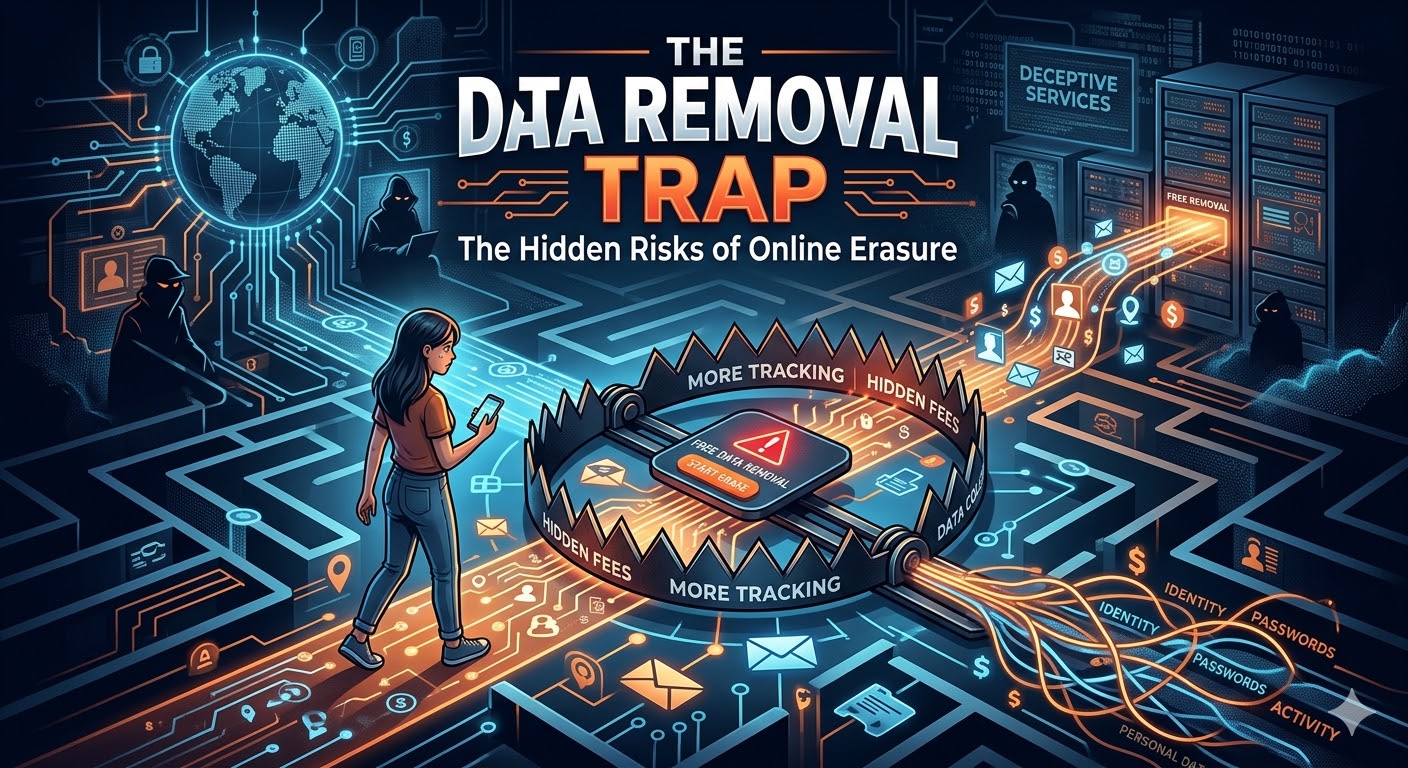
Two things are certain: 1) Your privacy (private info) is always for sale, 2) someone will try to make money by “helping” you keep your info private.
Your personal info is almost assuredly all over the web. Just search for your name on the internet, and there you are—maybe your home address, your phone number, and even a satellite map of your house are all on display for the world to see. Sites like Whitepages and Spokeo make a living selling your private details to anyone willing to pay.
Naturally, you look for the exit. You find a link at the bottom of the page labeled “Opt-Out” or “Remove My Info.” But hold on, there! You may be walking right into The Opt-Out Scam.
1. The Promise of Privacy – The Bait
The scam plays on your desire to protect your privacy and be left alone. Those “people-search” sites are run by people who don’t want you to leave. So why in the world would they make it easy to erase your personal info? They don’t; they turn the “deletion” process into an update your data, data-gathering mission.
2. The Verification Game – The Switch
To “prove” you are really you before they “delete” your record, these sites often demand:
* Your current, working email address.
* A valid phone number for a “confirmation code.”
* Sometimes, even a copy of your Driver’s License. (Really!)
Think about the logic of all that. To get them to stop selling your old data, you have to hand over your new data – your most current, verified contact information. It’s like changing the locks on your house and then giving the prowler the keys to your new locks.
3. The Shell Game: The Opt-Out Business
Most of these sites don’t really erase your data; they “suppress” it. They move your folder of information from the “Public” space to a so-called “Private” space on the same server. If you want to stay in that private space, they will claim they need to keep your current updated information,mation such as your up-to-date phone number and email on file. It’s the classic Catch-22.
Our Guide to Escaping the Data Removal Scam
Data is like the rain in a rainstorm. You can’t stop the rain. You can only stop it from flooding your house with a leaky roof. If you’re going to catch the rain, don’t try to catch it in a bucket with holes in it. A bucket full of holes is what the data removal business is. If you want to stop the deluge of data about you from flooding the internet, you sure don’t want to use these leaky buckets to do it.
Use this checklist to handle the scoundrels safely.
Part 1: The “Burner” Tools
- Before you visit a single data brokerage site, set up your “shield” so you don’t give away your real info.
- Create a “Junk” Email account: Set up a free account at Gmail or Hotmail/Outlook.com and use only for these requests.
- Get a “Burner” Phone Number: In the USA, Set up Google Voice. To learn more, see our tutorial here.
Outside the USA: Use TextNow.
Now, promise yourself that you won’t ever pay a fee to anyone to “delete” your data. If they ask for money, keep walking!
Part 2: The “Big Three” Shakedown
These are the three sites with the most data about you. Before you begin, get your “Burner” tools ready.
Whitepages: Use this link and enter the info requested. Use your burner phone number. They will call your burner number with a code. Your real phone number is not revealed.
Spokeo: Use the Spokeo Opt-Out Tool. Use your junk email account for this one. Then check your junk email account for a confirmation link. Don’t use your primary email address!
MyLife: Submit a request via their Privacy Form. If the form glitches, which it often does, use your junk email address to contact them at privacy@mylife.com.
Part 3: The Search Engine “Map”
Even if your data is suppressed, Google might still show a link to it.
Google “Results About You”: Use the Google Removal Tool to hide results showing your home address. See our article here.
Social Media Privacy: Lock down your Facebook Privacy Settings and your X (Twitter) Settings.
Part 4: The Hard Part: Keeping up with the continuing flood of info about you
Mark your calendar for 3 months from today. Search your name again to see if any “new weeds” have sprouted in the digital information garden.
Privacy shouldn’t have a price tag. Treat every “Remove Me” button with a gigantic dose of skepticism and always keep your real data (phone number, email address, etc.) under lock and key!
—
A Special Note for Our Global Readers
If you live in Canada, the UK, or Europe, Google Voice might not be available yet. Don’t worry! You can still protect yourself. Grab the cheapest Prepaid SIM card from a local supplier and pop it into an old “emergency” phone – or buy a cheap, throwaway (burner) phone. Use that number for all your junk sign-ups and opt-outs. When you’re done, turn it off and put it in a drawer.