

A New Windows Feature Lets You Check Your Internet Speed Right from Your Desktop
If you have an updated version of Windows 11, you have a new way to check your internet speed, and I’ll bet you never noticed it.
Microsoft has added a quick shortcut directly into the Taskbar, so you no longer need to open your browser or search for speed-test sites to test your connection.
Here is how to use it:
Look at the bottom-right corner of your screen (the system tray area near the clock) where your Wi-Fi, Ethernet, or Cellular network icon sits.
Right-click on that network icon. In the pop-up menu, select “Perform speed test”. Windows will instantly open a speed test right from your desktop to check your current download speed, upload speed, and ping without requiring extra software downloads or wading through speed-checking websites.
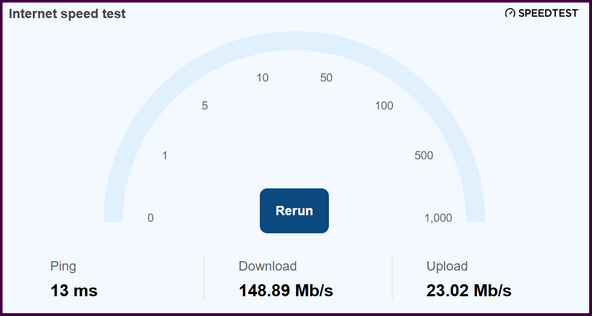
If you don’t see the option yet, make sure your computer is completely up to date by heading to Settings > Windows Update and installing the latest feature updates.
Windows 11 Speed Check is a simple, convenient feature that makes checking your internet connection and download speed a whole lot easier!
Hi, I did not know about this and I am very familiar with PC’s, Windows etc.
This is awesome. I did check it’s accuracy with 2 others and it is almost exact.
Thank you so much.
Always never too old to learn something new.
Glad you are “On the Mend”. Prayers answered.
JM